
Streamyfin


New
Streamyfin on Apple TV
Your Jellyfin library, now on the biggest screen in your home.
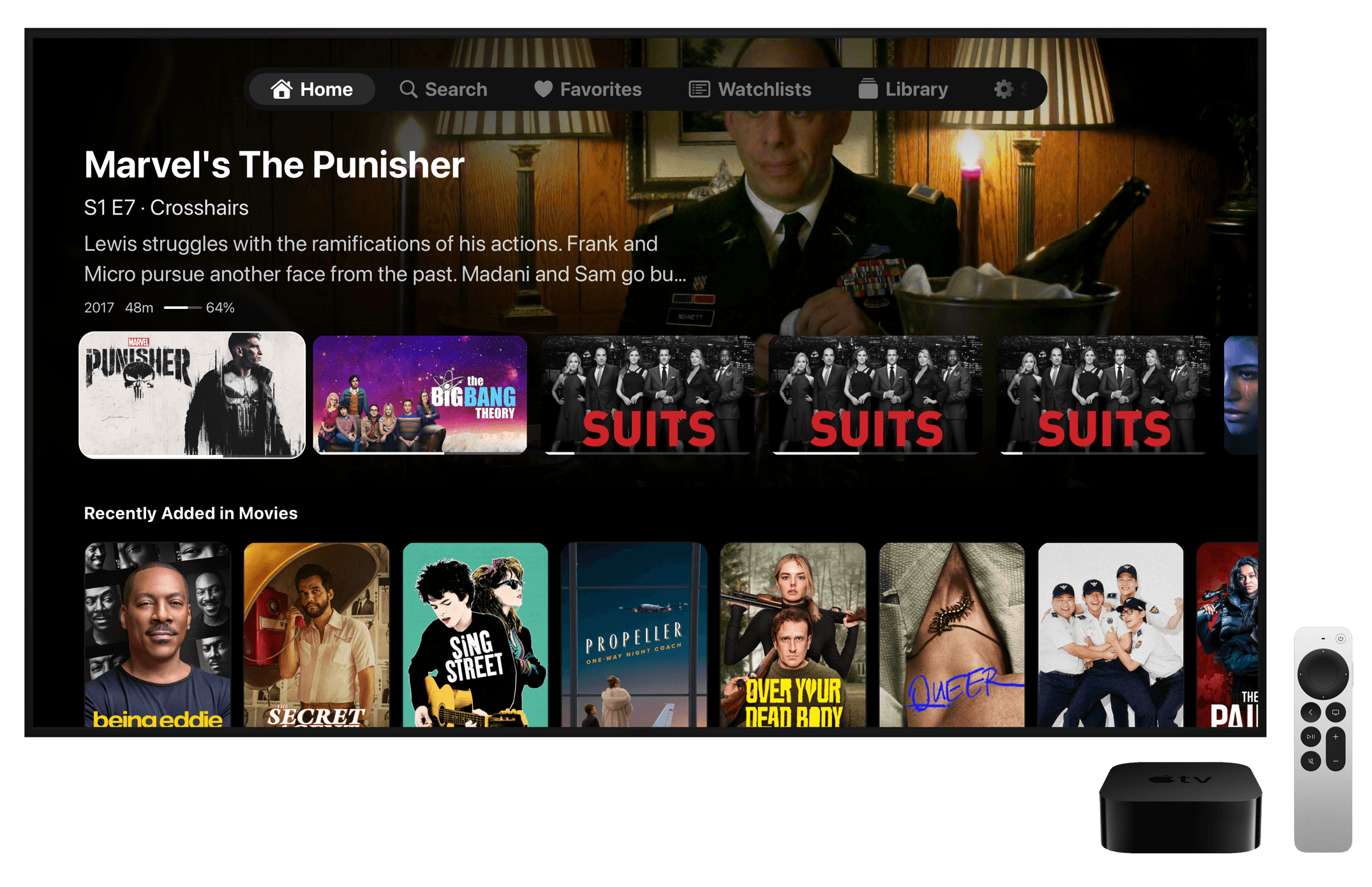
Home
Continue watching, next up and recently added items, right on your home screen.
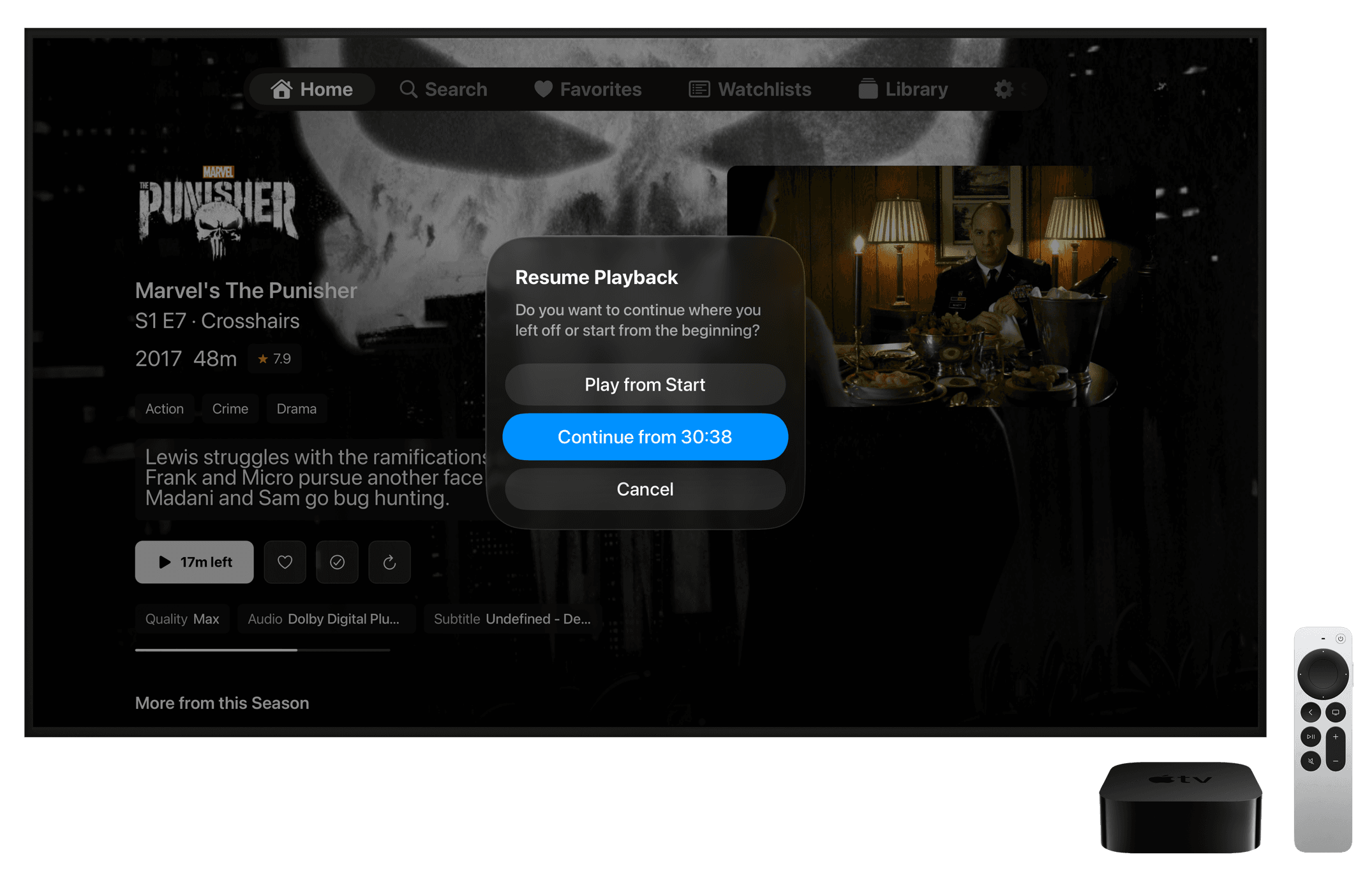
Resume Playback
Pick up exactly where you left off, or start again from the beginning.
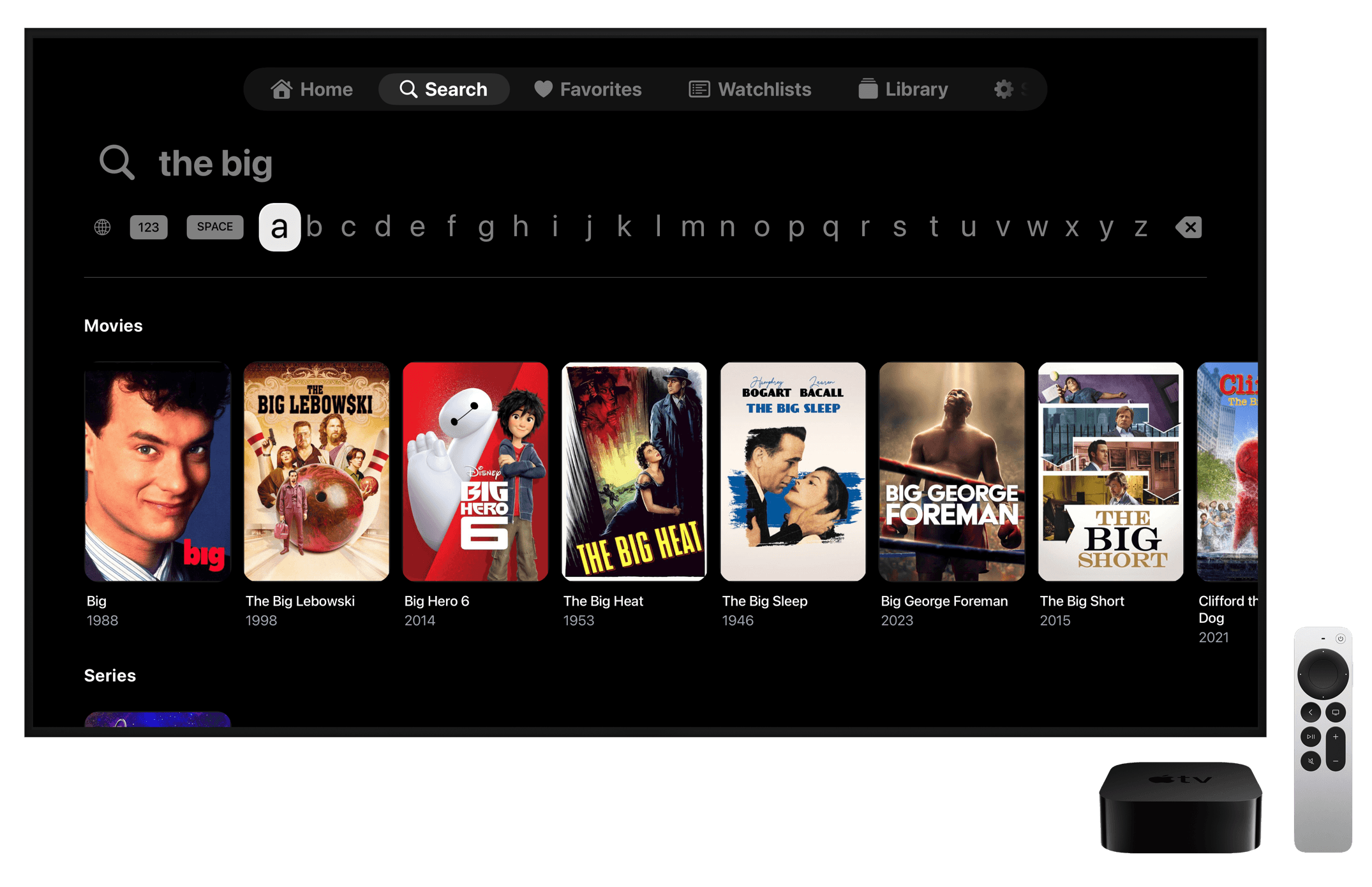
Search
Search your whole library with the remote, with results split into movies and series.

Series Details
Ratings, genres, seasons and episodes at a glance, with one click to continue.

Player
A clean player with subtitles, audio options and the time your episode ends.
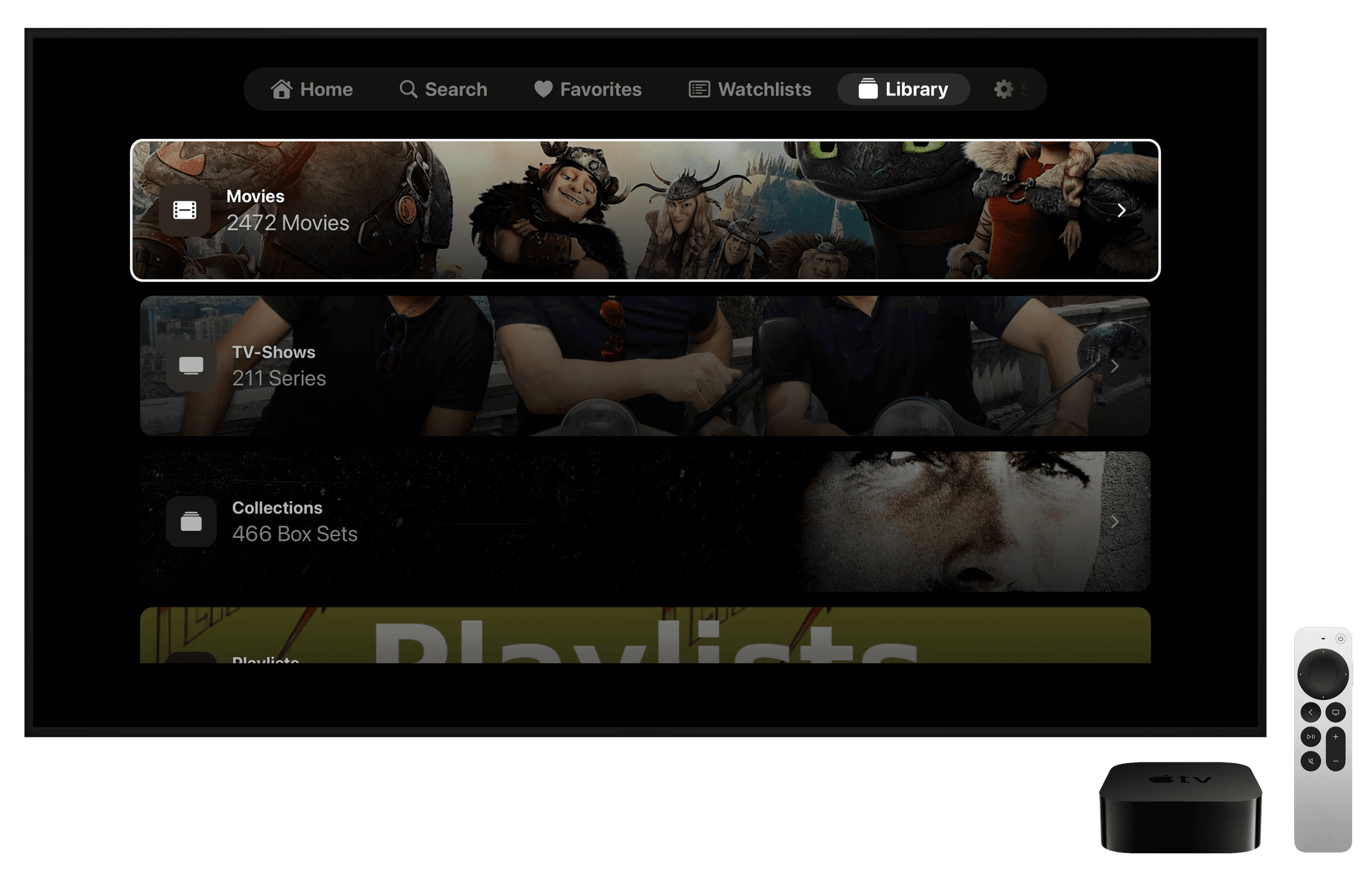
Libraries
All your libraries in one place: movies, TV shows, collections and playlists.
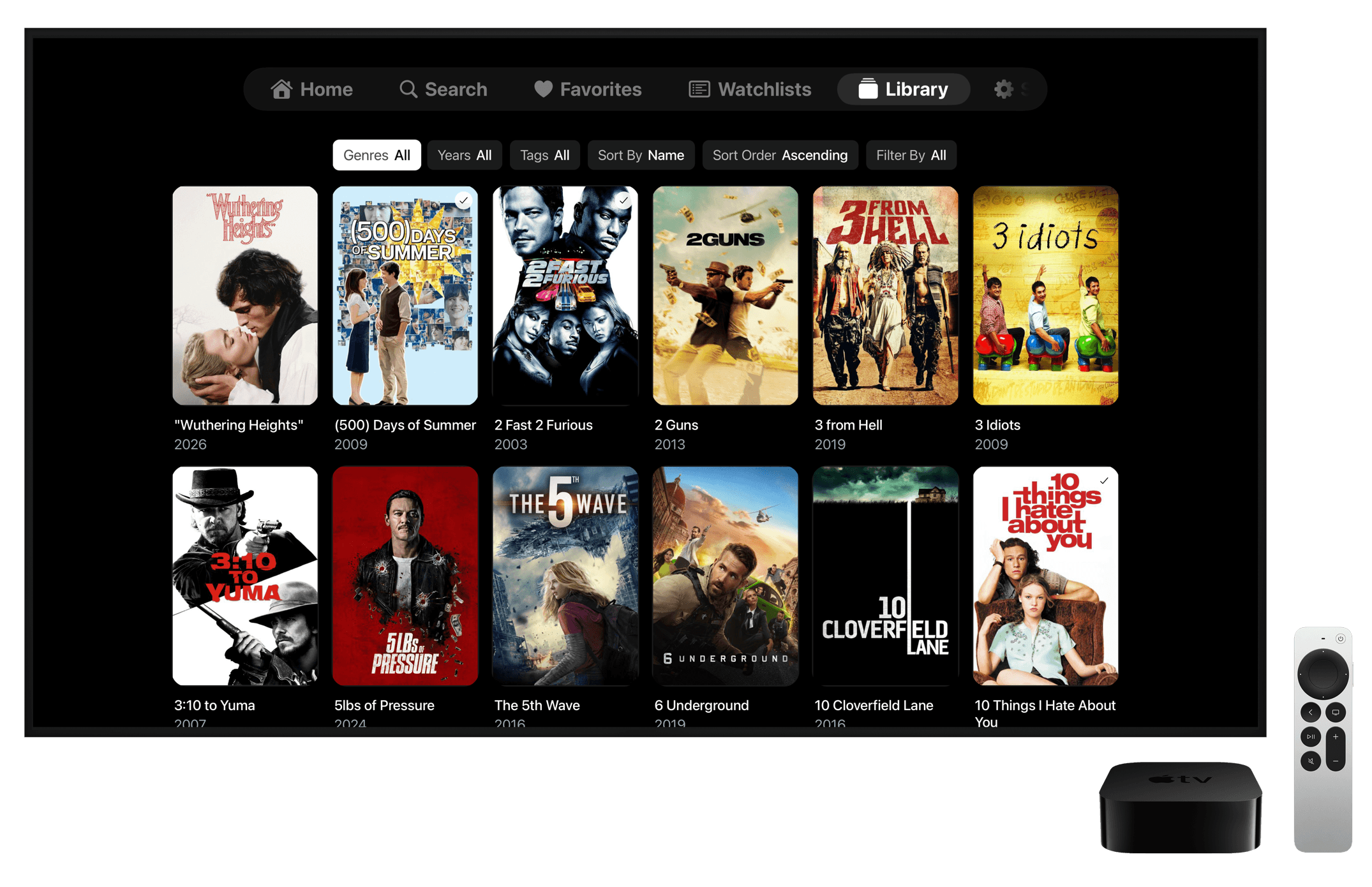
Movies
Browse your movies and filter by genre, year or tag, sorted the way you like.
Features
Everything you need to enjoy your Jellyfin library on the go.
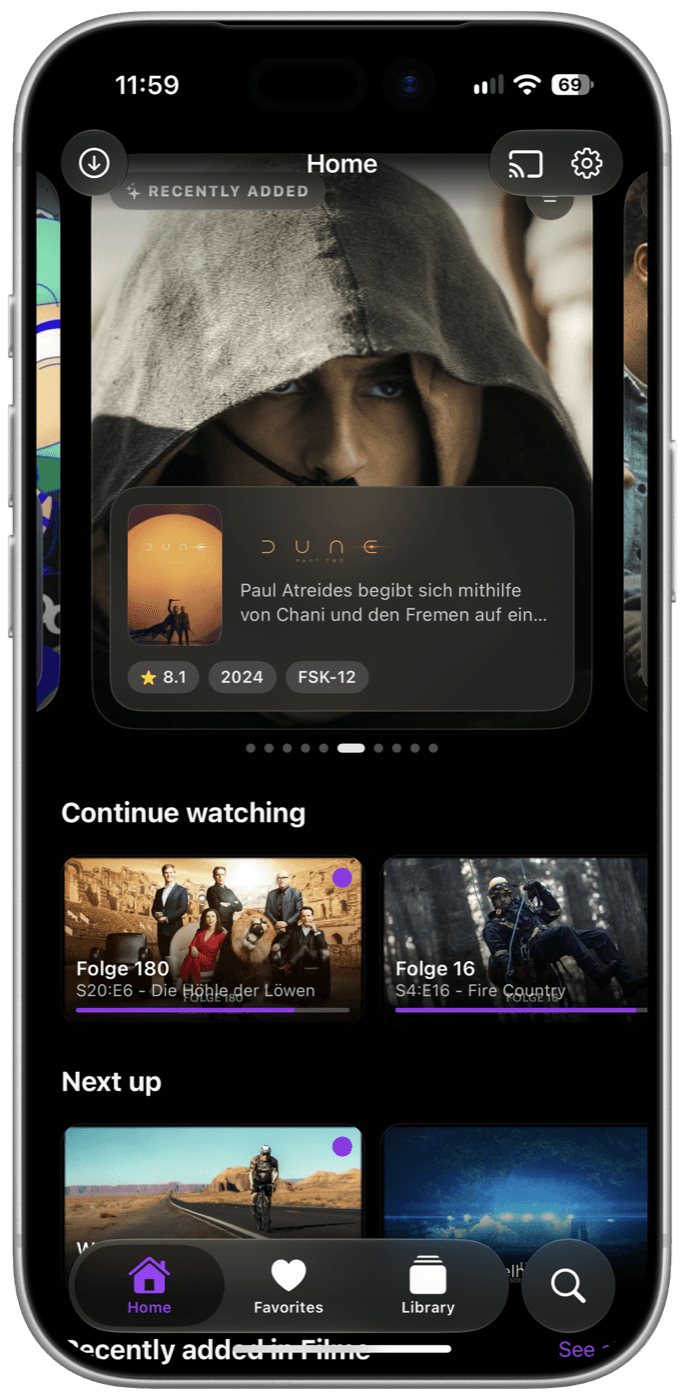
Home
A big carousel with your latest additions, followed by continue watching and next up. Downloads and Chromecast are one tap away.
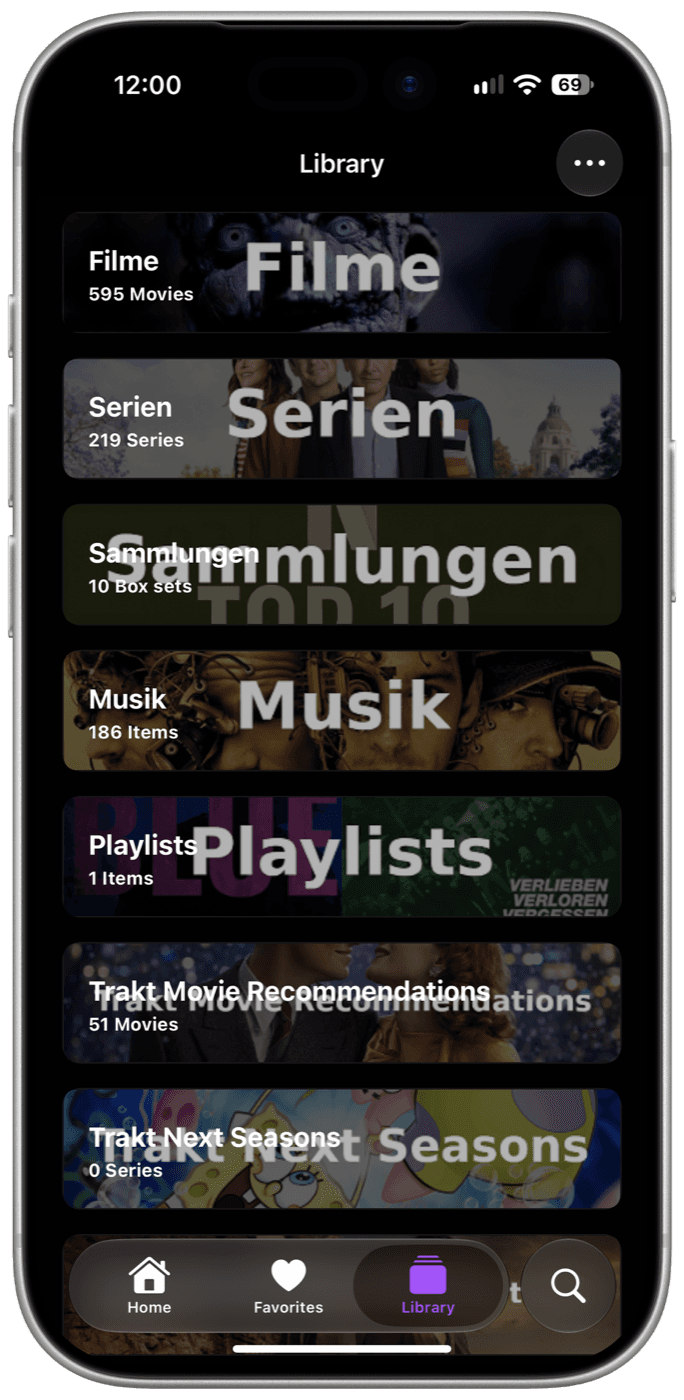
Libraries
All your libraries at a glance, from movies and series to collections and playlists.

Media Details
Ratings and awards, video details like resolution, HDR and bitrate, and quick buttons to cast, download, mark as watched or favorite.
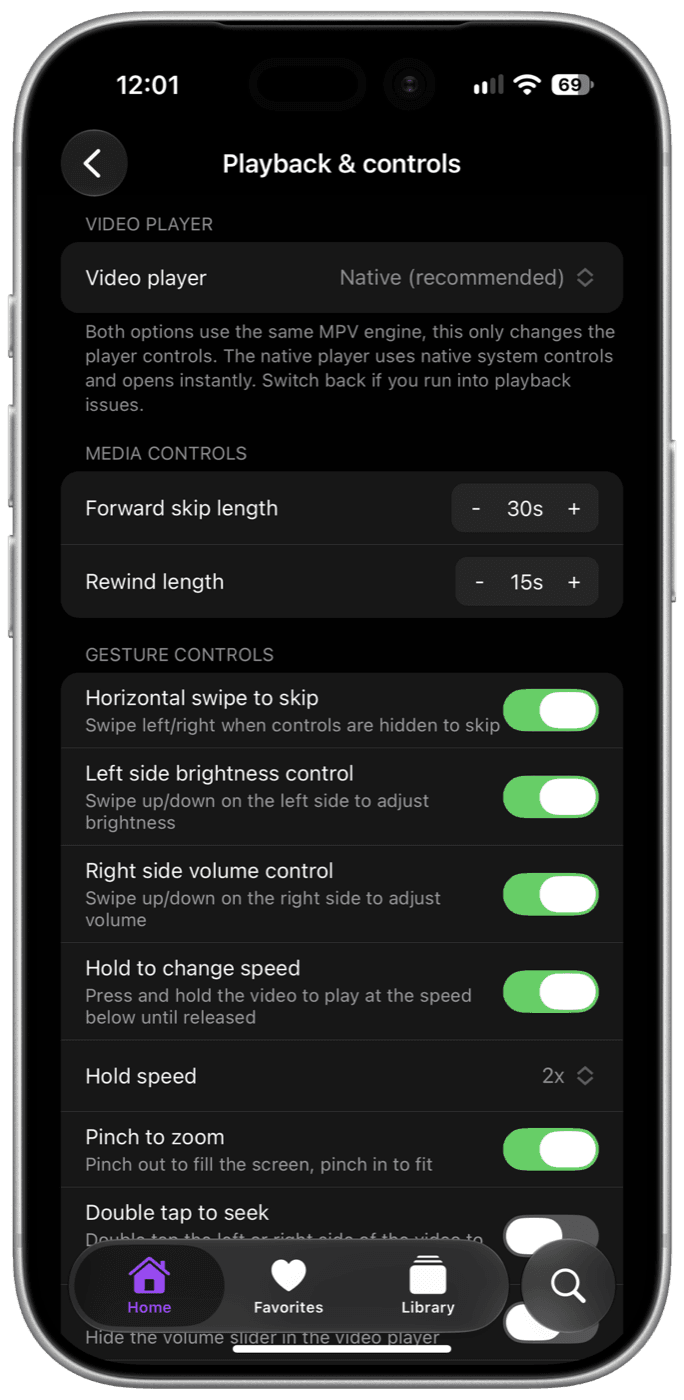
Playback Settings
Set your skip lengths and gestures: swipe for brightness, volume or to skip, hold to speed up, pinch to zoom.
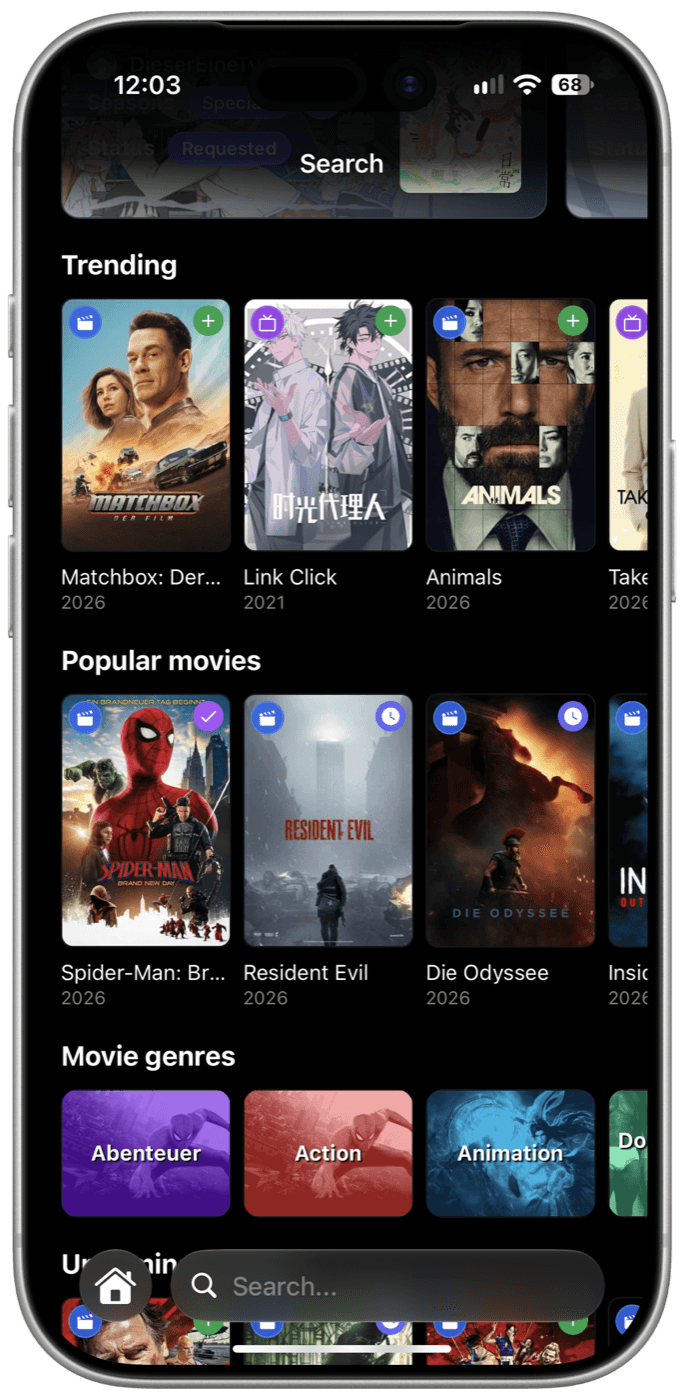
Search & Discover
Find anything in your library, with support for JellySearch and Marlin Search, and discover trending titles from Seerr.
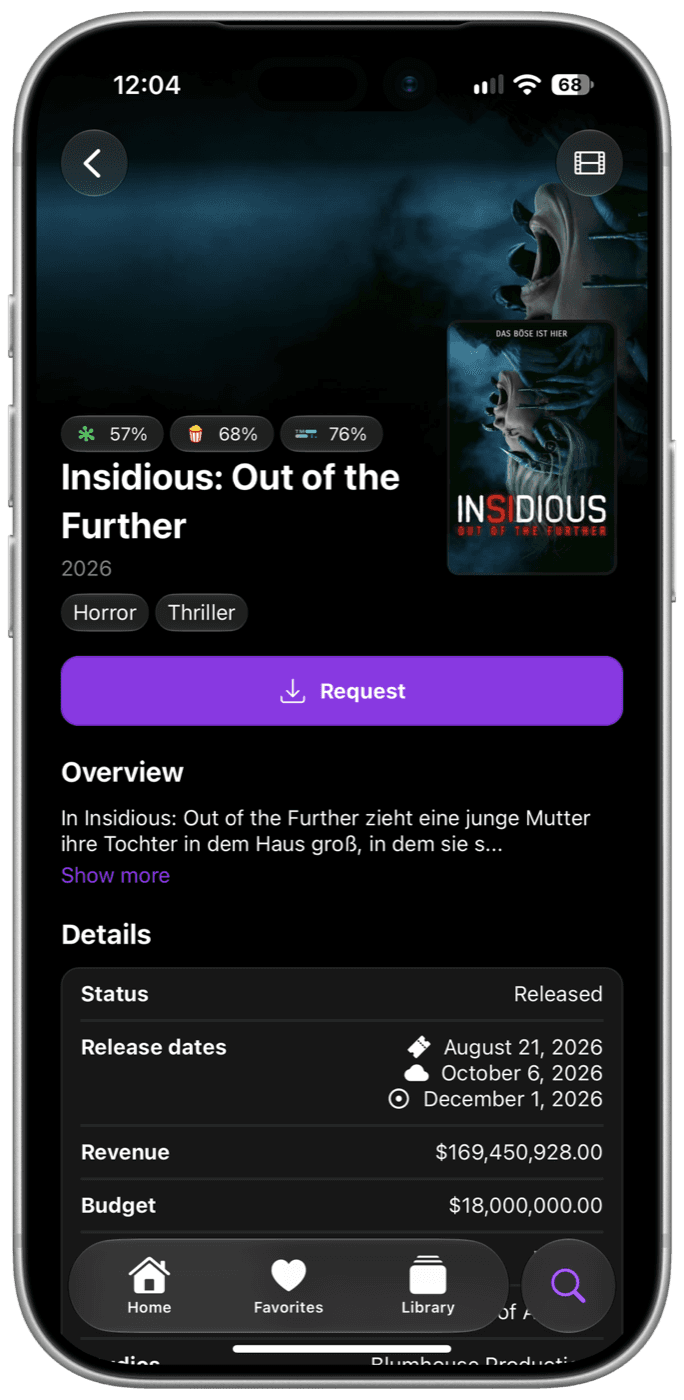
Request Media
Ratings, genres and release dates at a glance, and one tap to request what you want to watch next.
Companion plugin for Streamyfin
Install the Streamyfin plugin on your Jellyfin server to manage the app's settings for all your users in one place and send them push notifications. For example:

Automatic Login
Automatically sign your users in to Seerr
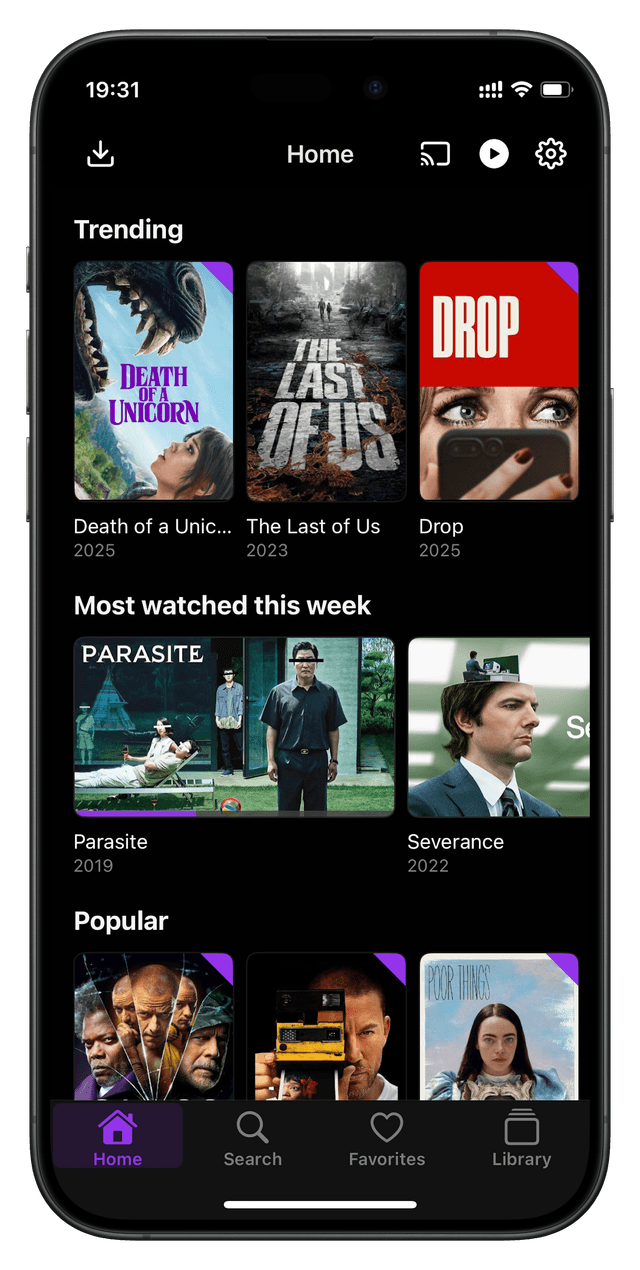
Custom Home Screen
Customize your Home screen using collections
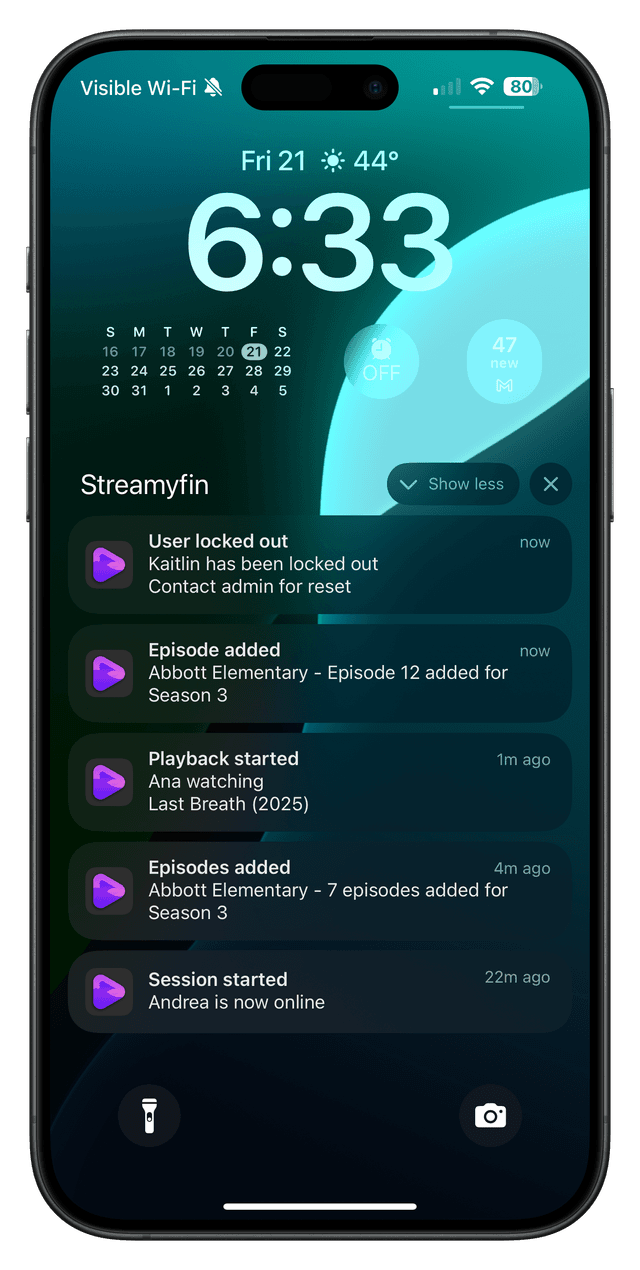
Notifications
Receive notifications for new episodes and more
A modern Jellyfin client with support for downloads, Live TV, skip intro & credits, trickplay images and more!

Available on iPhone · iPad · Apple TV · Android